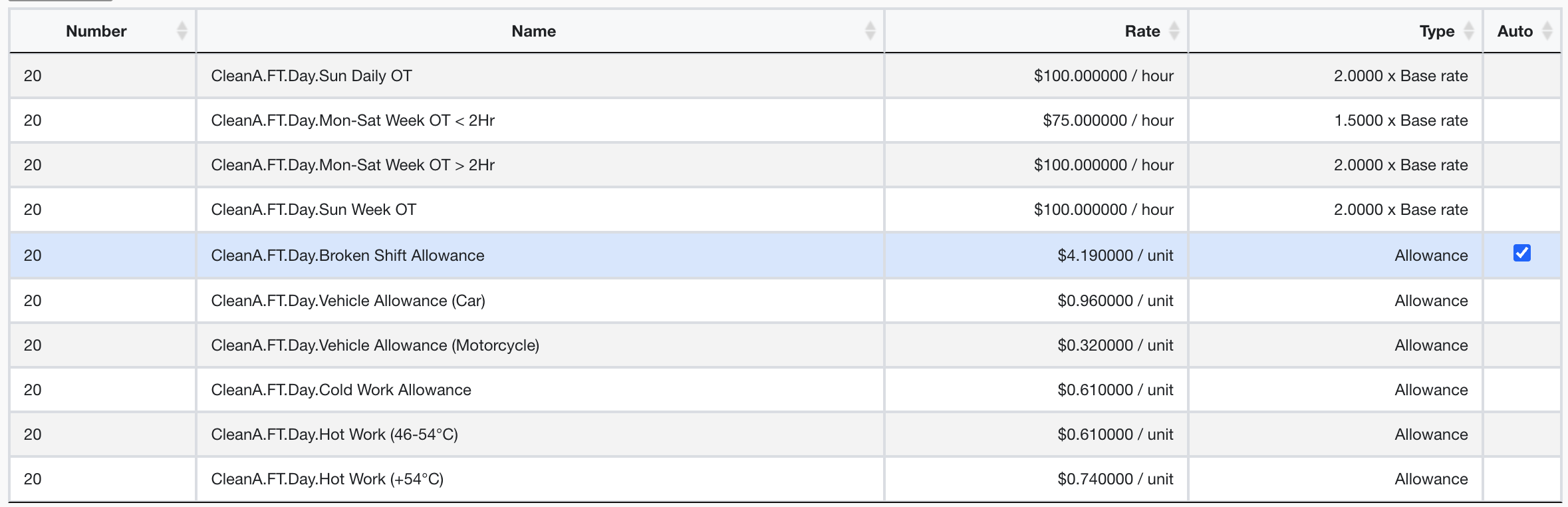
Managing Automated Allowances with Smart Formulas
Automated Allowances
Some awards have allowances that are applied automatically when a file is validated (minimum engagement, laundry allowances etc.)
When Assigning Smart Formulas
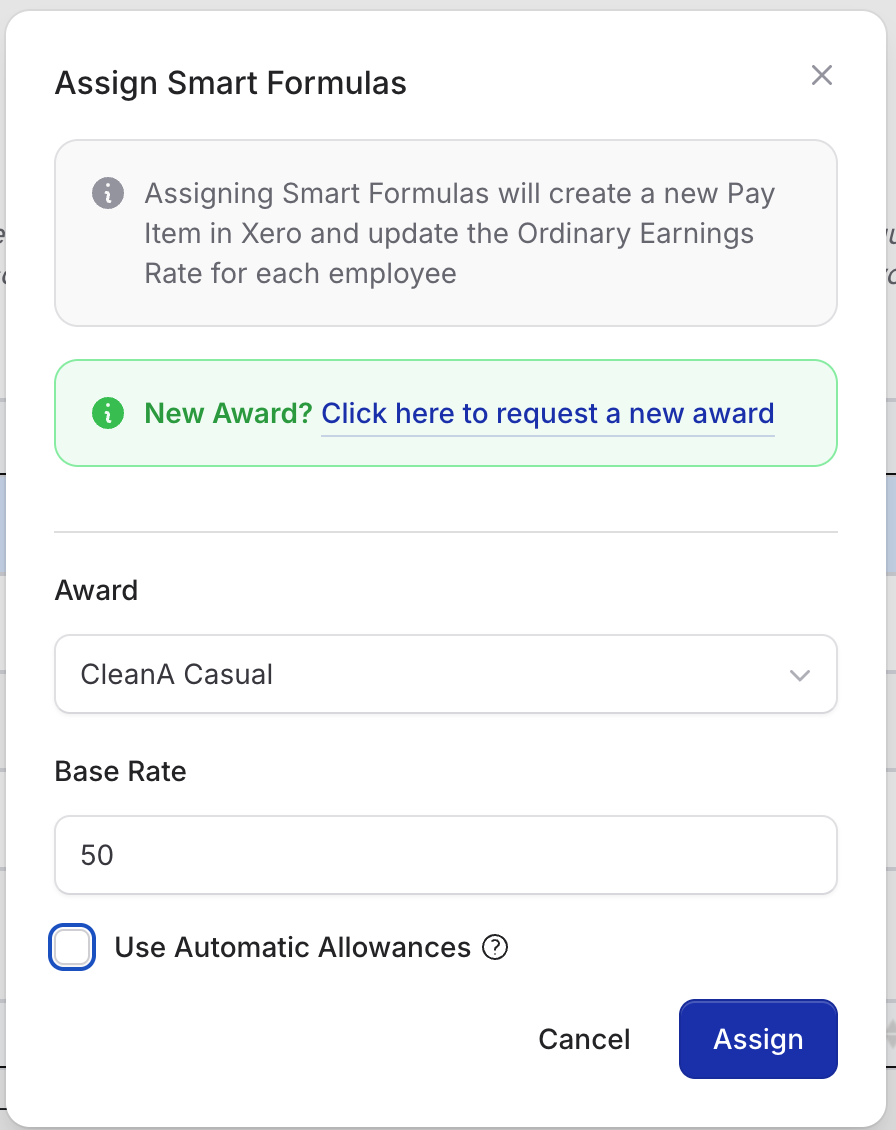
When assigning a smart formula to employees, automated allowances are enabled by default.
To disable all automated allowances so they are not created when validating a file, deselect the Use Automatic Allowances checkbox. This will set all automatic allowances to manual.
After Assigning Smart Formulas
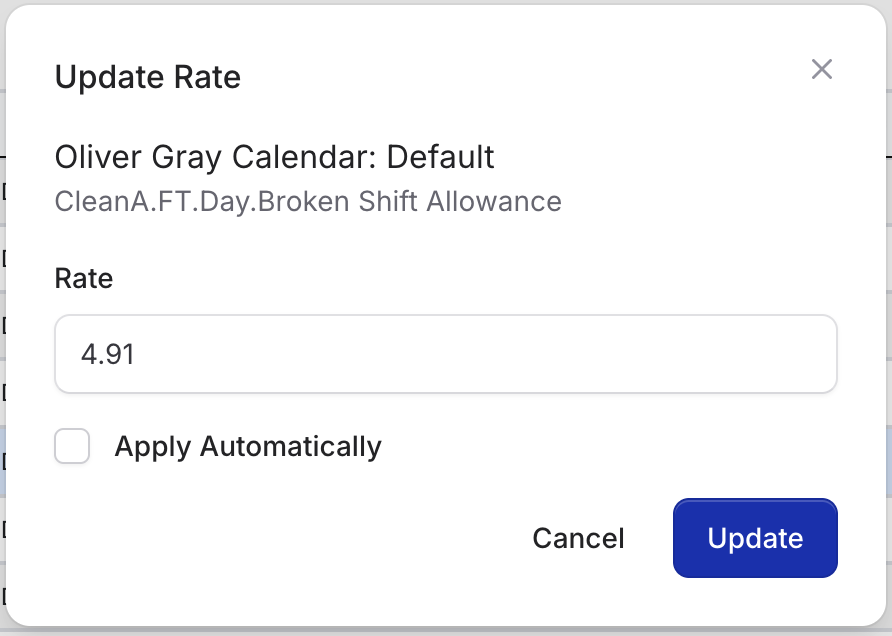
After assigning smart formulas, you can enable or disable automated allowances for each employee:
- Select the award line
- Click Edit
- Toggle Apply Automatically
- Click Update to save
Note - you can optionally update the actual rate here for base rates and per unit allowances.